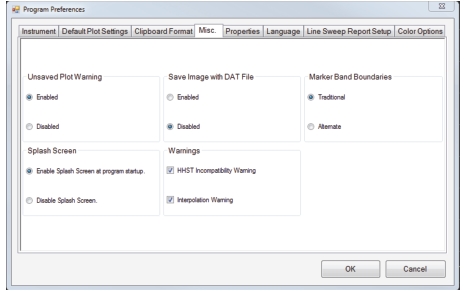
Misc.
To open the Program Preferences in the Misc. tab, click Misc. in the Settings menu.
Unsaved Plot Warning: Use this setting to either turn on or off a prompt to save a new or modified plot. Click the desired function.
Splash Screen: Select the desired function to either display or not display the splash screen during the program start up. Click the desired function.
Save Image with DAT File: Adds an image to the DAT file.
Warnings: Click the desired check boxes to activate warnings for HHST Incompatibility and Interpolation.