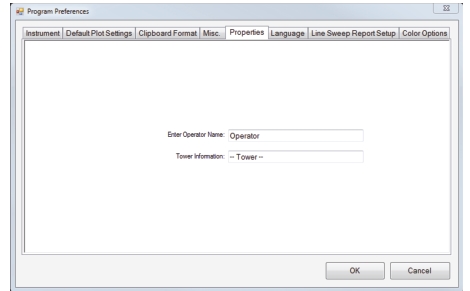
Use this dialog to set the query categories for the database. To open the Program Preferences in the Properties tab, click Properties in the Settings menu.
Program Preferences – Properties Dialog
1. Type a label in the Enter Operator Name entry window.
2. Type a label in the Tower Information entry window.