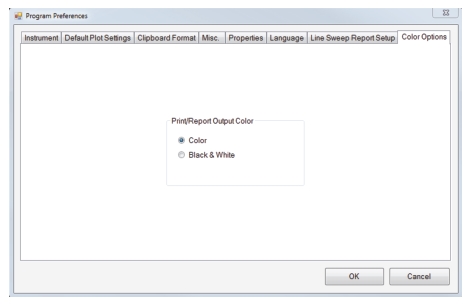
To open the Program Preferences in the Color Options tab, click Color Options in the Settings menu.
Print/Report Output Color: The printed report can be in color or black & white. Click the desired print setting. If multiple plots are to be printed, all of them will change according to selection.