Selecting
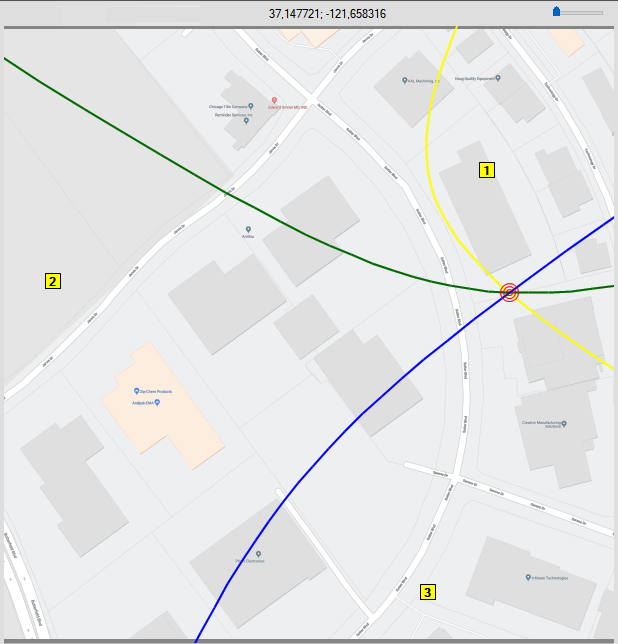
Start will initiate the program to communicate to the three Spectrum Analyzers and perform the TDoA measurement. The red bullseye indicates the identified target by the intersecting lines of the spectrum analyzer 1, 2, and 3 as shown in
Figure: TDoA Map Measurement Display.