|
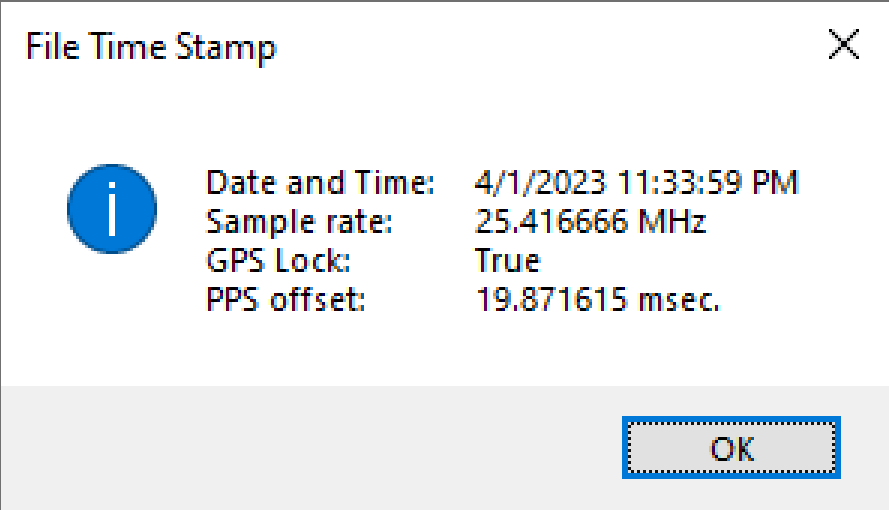
1. Windows browse window. Search for a folder of interest. 2. Displays the opened folder’s data parameters window. Click a file to view the captured signal parameters. 3. Open file’s metadata and summary panel. The selected list of parameters displayed are active for the Capture, View, Playback, and Analyze applications and can be changed by selecting another file. 4. See Status Indicators. |