The TOOLS menu provides the WAVEFORM menu and DISCOVERY menu.
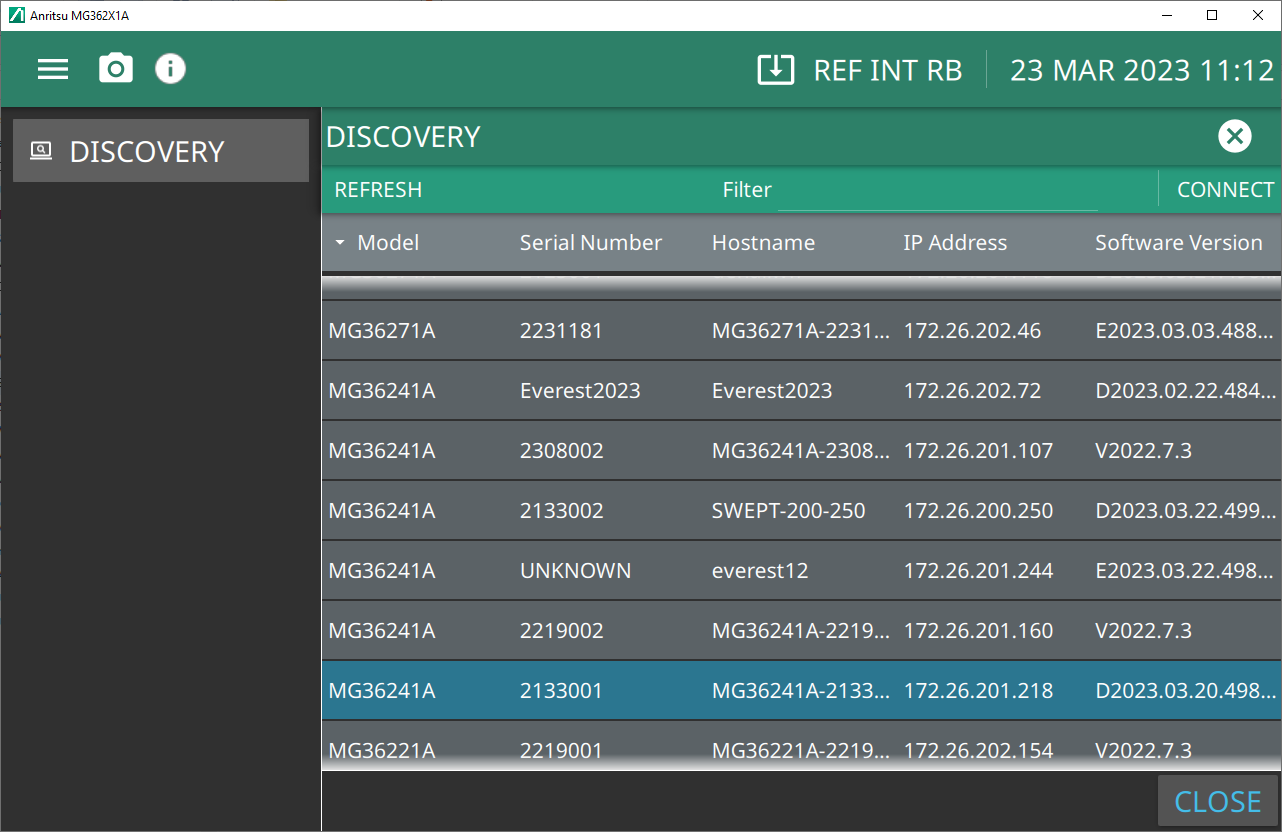
Opens the DISCOVERY screen shown in
Figure: TOOLS-DISCOVERY Menu. The DISCOVERY screen shows the MG362x1A models connected to your network.
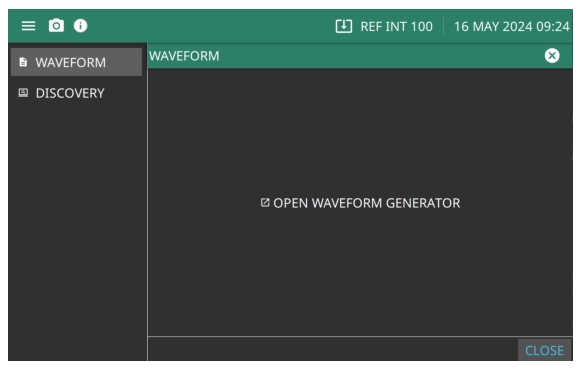
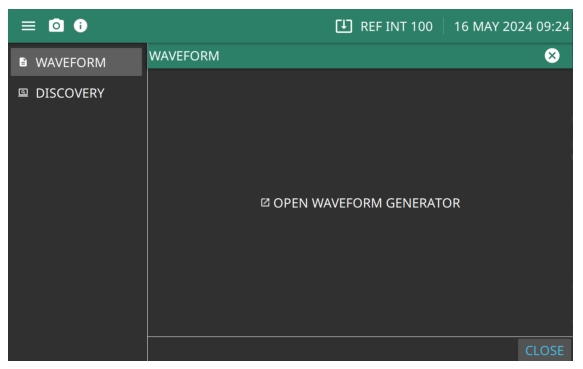
Option 10 provides The WAVEFORM menu is shown in
Figure: WAVEFORM Menu. The Waveform Generator provides the user with the capability to create modulation waveforms and waveform data that can be sent to the signal generator to be used as the modulating waveform for AM and/or FM/ΦM. With the waveform data loaded, the user can select which modulation type is enabled. Any combination of AM, FM/ΦM, Pulse modulation, or SCAN modulation can be selected. See
Waveform Generator (Option 10).