 |
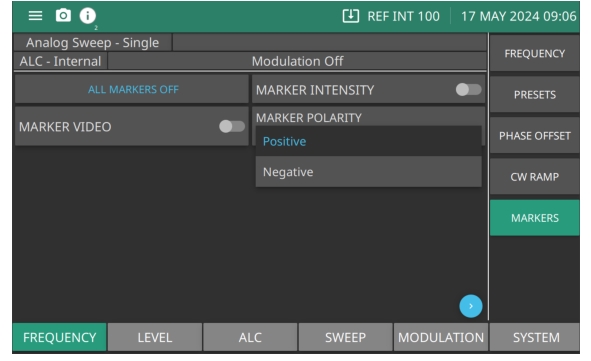
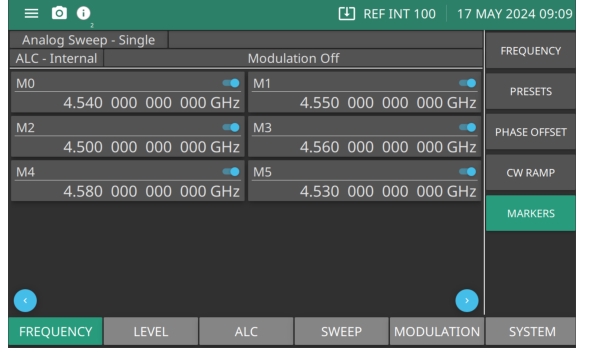
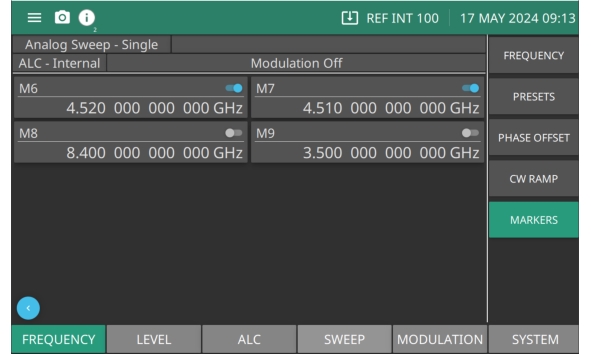
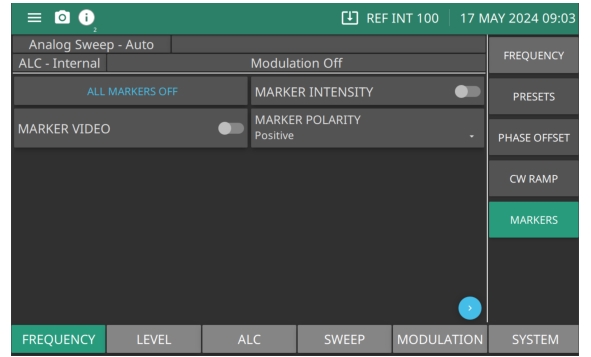
ALL MARKERS OFF Press to turn off all markers. MARKER INTENSITY Produces an intensified dot on the display at each marker frequency. They are obtained by a momentary dwell in the sweep at each marker frequency. Intensity markers are only available in the analog sweep frequency mode at sweep times of < 1 second. To output markers during a sweep you must first select (tag) the marker frequencies. MARKER VIDEO Produces a pulse on the display at each marker frequency. MARKER POLARITY Provides the a +5 V or a –5 V pulse. Set polarity as shown in Figure: MARKER POLARITY. |