 |
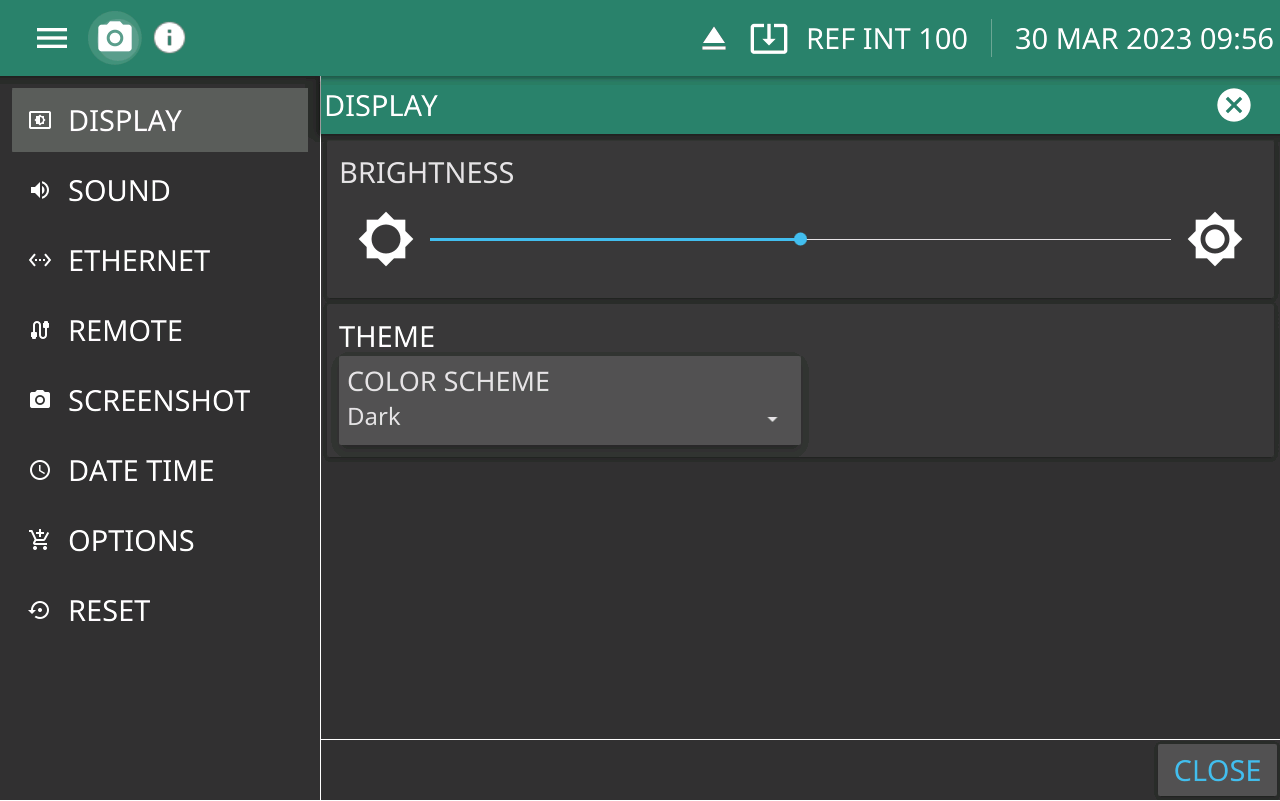
BRIGHTNESS Use the scrollbar to adjust the display brightness. THEME Set the display to a Dark or Light color scheme. Light may be more suitable for viewing in bright ambient conditions or print job. |
|
BRIGHTNESS Use the scrollbar to adjust the display brightness. THEME Set the display to a Dark or Light color scheme. Light may be more suitable for viewing in bright ambient conditions or print job. |