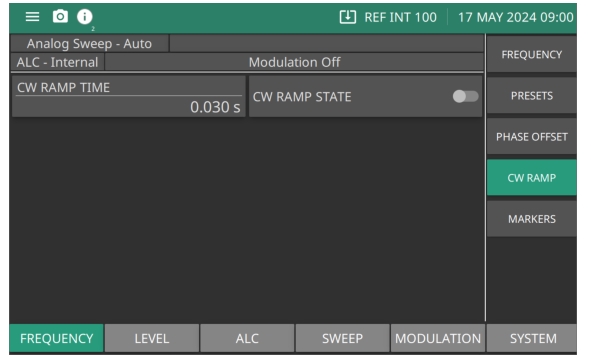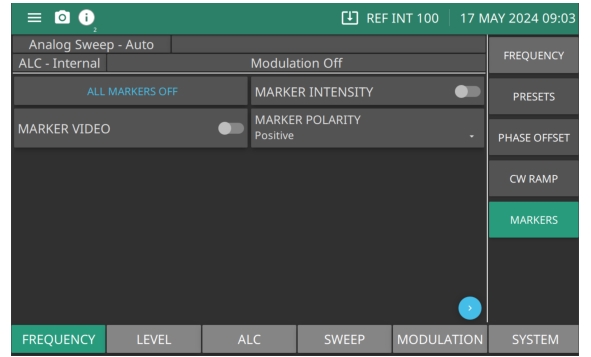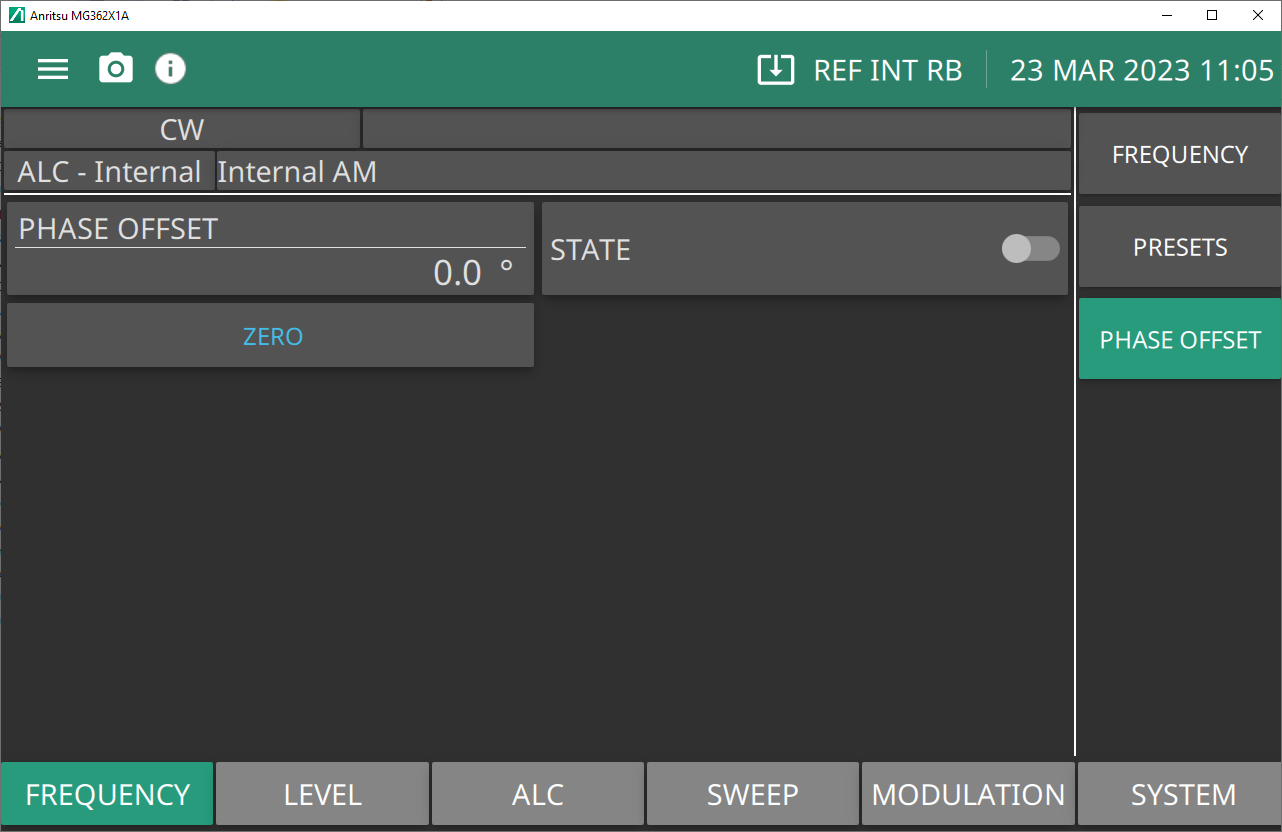
The Phase Offset menu is shown in Figure: PHASE OFFSET Menu. The phase offset function is available in CW operating mode only. When active, the MG362x1A RF output will be phase shifted by the specified amount displayed in the phase offset parameter. The phase offset range is -360° to +360° with a resolution of 0.1°. When the phase offset is on, the phase offset value is displayed in the CW menu. To zero the phase offset display from the phase offset menu, press Zero Display.
PHASE OFFSET Menu
PHASE OFFSET
Set the phase offset range from –360 to 360°.
STATE
Set the phase offset to on or off.
ZERO
Set the phase offset to zero (0°).
CW RAMP Menu
CW Ramp is available with Option 6. The CW ramp provides a repetitive 0V to 10V ramp output to the rear panel HORIZ OUT BNC connector and AUX I/O connector, pin 1. While the CW ramp is on, the message CW Ramp appears on the frequency title bar.
CW RAMP Menu
CW RAMP TIME
Range: Set from 0.03 seconds to 99 seconds.
CW RAMP STATE
Switch to the on position to activate the CW Ramp.
Markers Menu
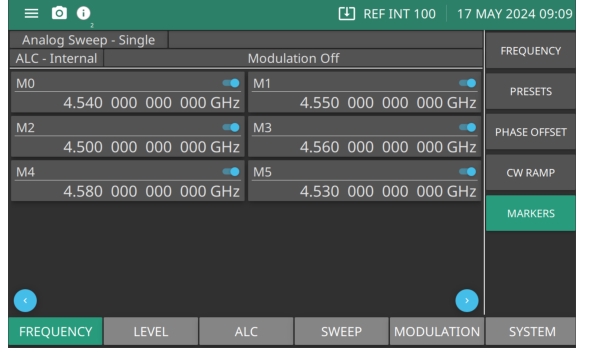
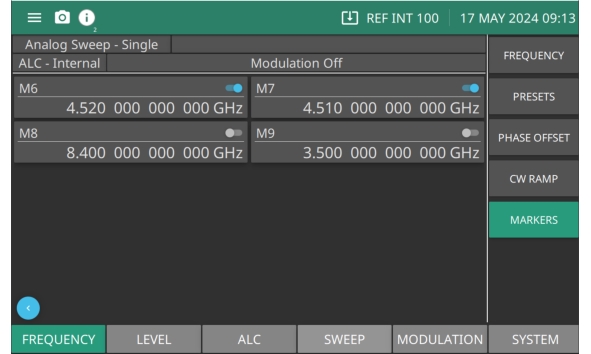
Markers are available with Option 6. The signal generator provides ten independent, pre-settable markers, M0-M9, that can be used in the step sweep and analog frequency mode for precise frequency identification. Marker frequency accuracy is the same as sweep frequency accuracy. The markers are visible on a monitor display.
MARKERS Menu
ALL MARKERS OFF
Press to turn off all markers.
MARKER INTENSITY
Produces an intensified dot on the display at each marker frequency. They are obtained by a momentary dwell in the sweep at each marker frequency. Intensity markers are only available in the analog sweep frequency mode at sweep times of < 1 second. To output markers during a sweep you must first select (tag) the marker frequencies.
MARKER VIDEO
Produces a pulse on the display at each marker frequency.
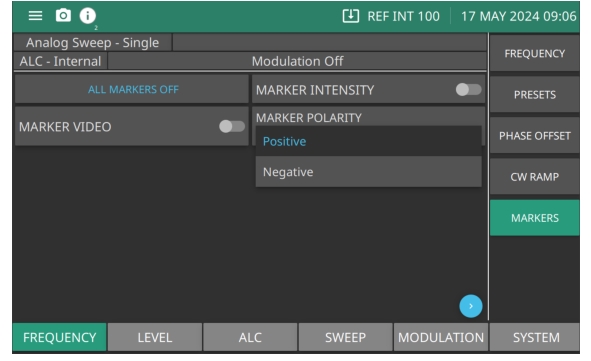
Press MARKER POLARITY and then press Positive or Negative to set the markers polarity on the signal display as positive or negative. All active markers on the display are set.
MARKER POLARITY
SET MARKERS
Use the blue arrows as shown in Figure: MARKER POLARITY to scroll the page to the right. There are totally 10 markers available. Press M(x) toggle to turn on the marker and enter a desired frequency to set the marker frequency. Turn on the desired marker toggle to see the marker. Press the Page Arrowbutton on the right as shown in Figure: Markers - M0 to M5 to scroll to the page to the right, to view markers M6 through M9 as shown in Figure: Markers - M6 to M9.