 |
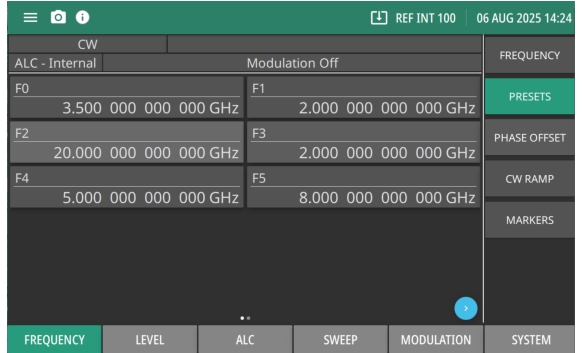
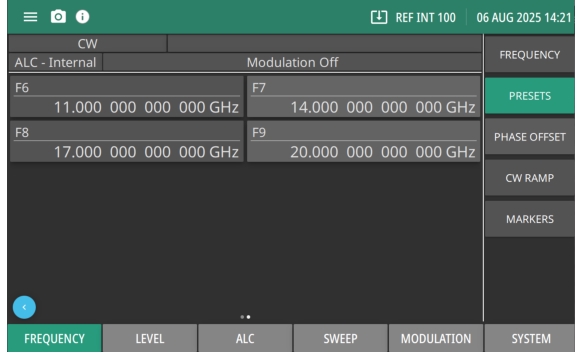
F0-F5 The first page displays the F0-F5 frequencies. Press the Page Arrow button to display the F6 - F9 frequencies as shown in Figure: PRESETS - F6 to F9. Each preset frequency can be adjusted and set as an output CW frequency. |
|
F0-F5 The first page displays the F0-F5 frequencies. Press the Page Arrow button to display the F6 - F9 frequencies as shown in Figure: PRESETS - F6 to F9. Each preset frequency can be adjusted and set as an output CW frequency. |
 |