The Complex Modulation Waveform Editor program provides two methods of drawing or editing a waveform—the drag method and the discrete value method.
Place Coordinate
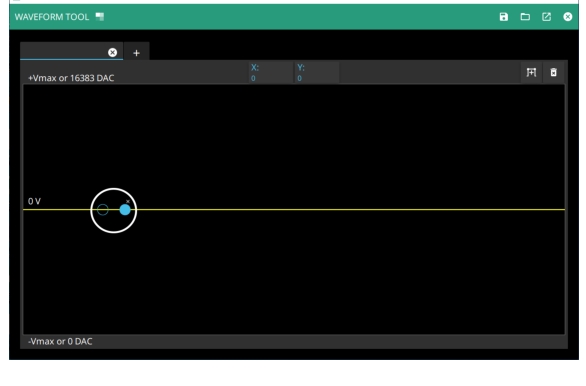
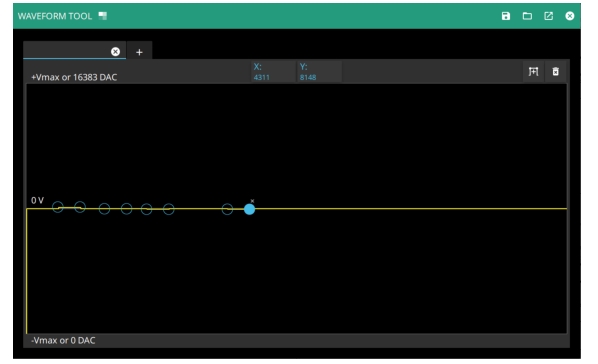
Click a point on the 0V line to obtain two coordinates as shown in Figure: Click 0V Line. The values shown in the X and Y tabs are X:0, Y:0. Click the X to the right of the highlighted point removes both points.
Click 0V Line
The Drag Method
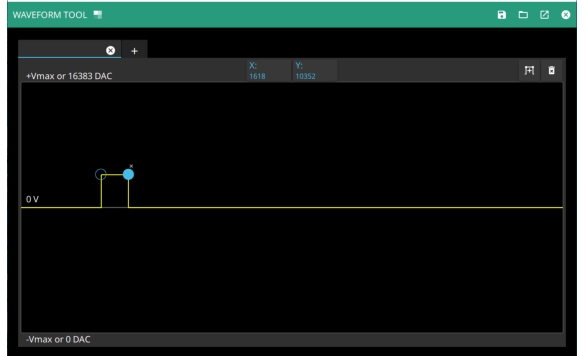
Click the highlighted coordinate and move it to a desired location in the window as shown in Figure: Manually Move Coordinate. The X and Y tabs values track the coordinate location on the plot.
Manually Move Coordinate
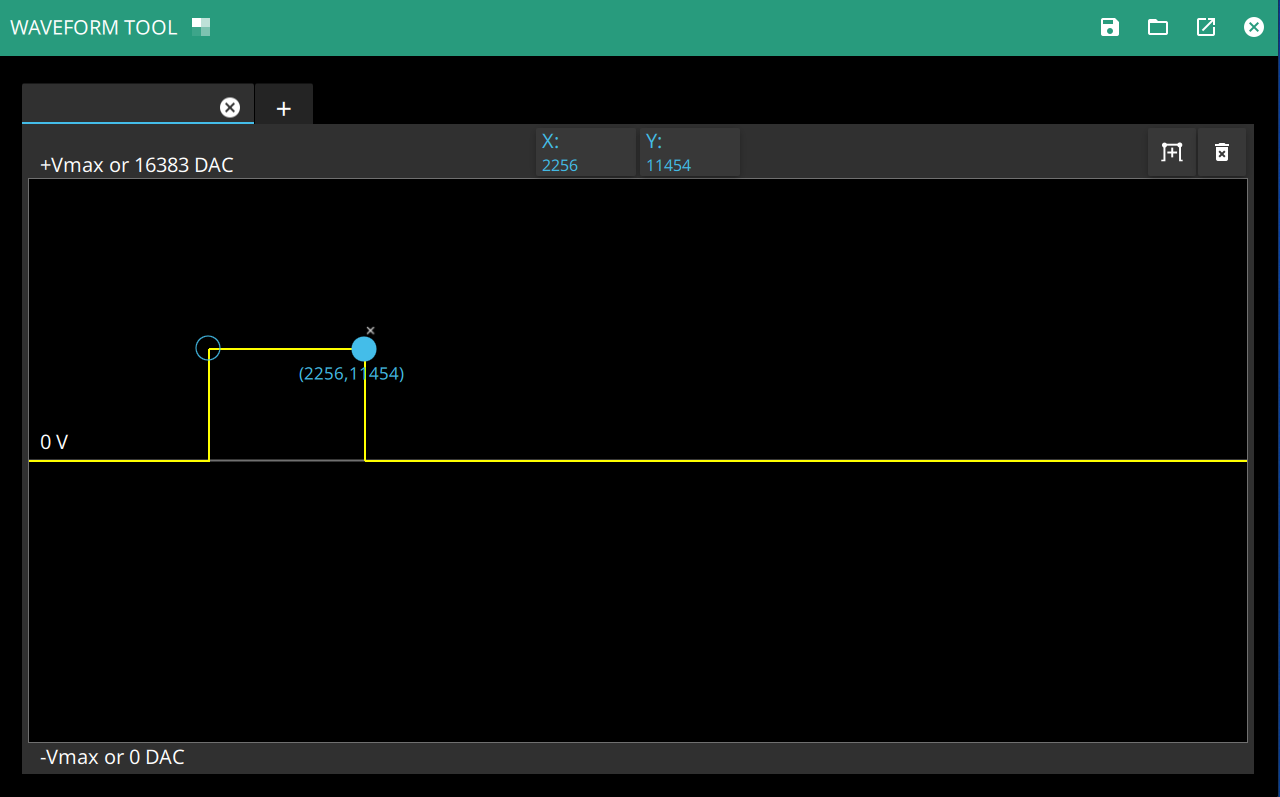
Drag the highlighted coordinate to expand the waveform as shown in Figure: Expand Waveform. Continue to press the highlighted coordinate shows the X,Y coordinate values in parenthesis. The same values are tracked at the X and Y tabs.
Expand Waveform
Continue to add waveform coordinates by clicking at the 0V line and expanding the values either positively or negatively.
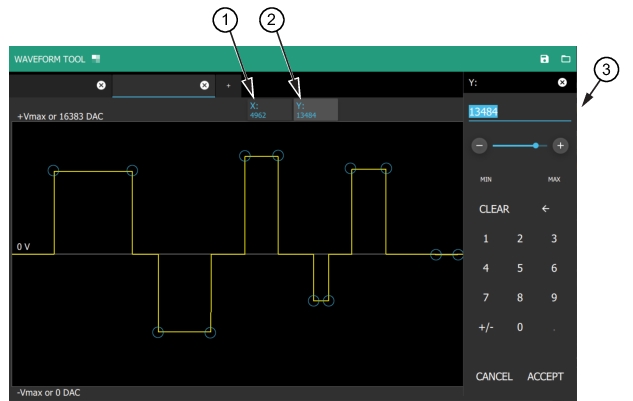
Use the X and Y tabs to enter values. The waveform coordinates can be entered using the numerical keypad as shown in Figure: Add Discrete Value. Here the Y tab is pressed and the numerical value entered will be the Y coordinate for the waveform location.
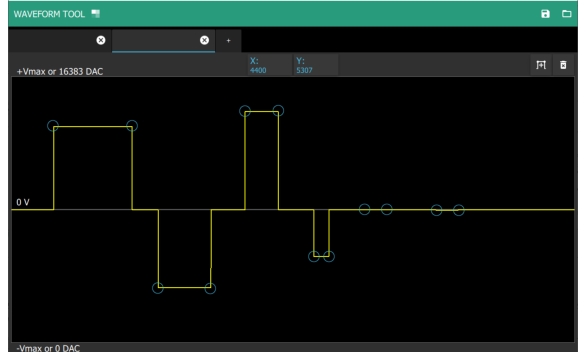
A drag point can only be moved as far left or right as the drag points next to it. The drag points at the two ends of the waveform can not be moved left or right, only up and down as shown in Figure: Drag and Move Points.