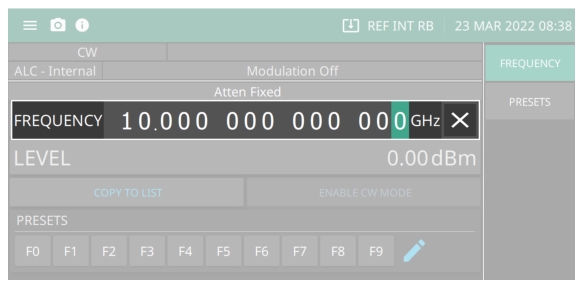
Open a parameter for editing by pressing a function from the main menu. In the following example, to open the frequency function, press FREQUENCY. The menu display changes to show that the frequency parameter has been opened as shown in
Figure: Edit Parameter. The highlighted digit shows the active unit set for change. To change the unit value, see below for
Cursor Control Buttons.