Software Update
To update the MS27201A ARRT software, use a high quality USB memory device with at least 1 GB of memory space and FAT32 file system format, and follow the instructions below:
1.
2.
3. Downloads and select Drivers/Firmware/Software .
4.
5. .
Installing the Software
• Access the upper left
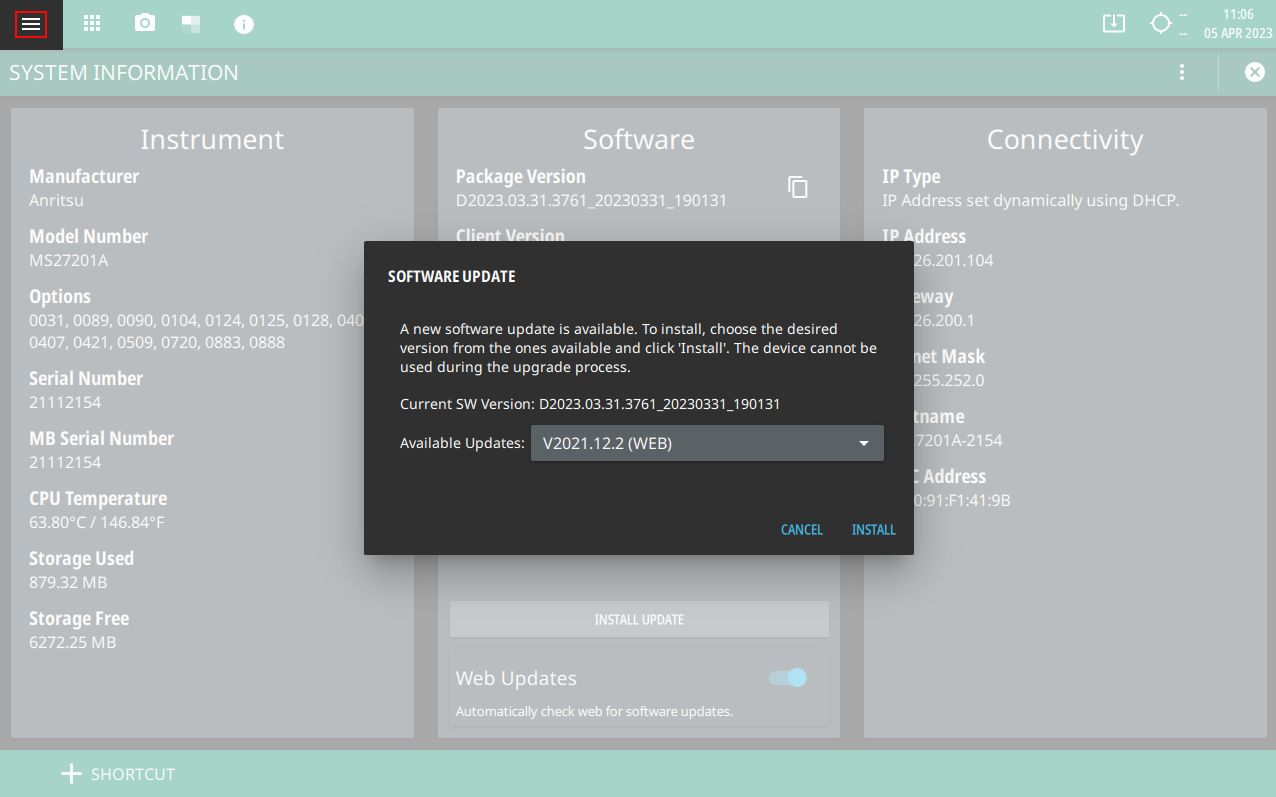
System Menu (3-line icon), then Select SYSTEM INFORMATION > SOFTWARE UPDATE.
2.
•
Note
You can connect to a different instrument or update the existing Hostname/IP address by clicking system menu icon on the top.
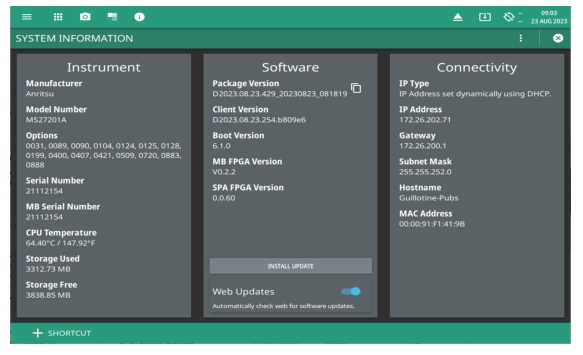
Verify the Software Update
1.
2. MS27201A.
3. Select the System menu icon (3-line icon) from the MS27201A to display the
System Menu . 5.
1-800-ANRITSU
10450-00073, Rev. F