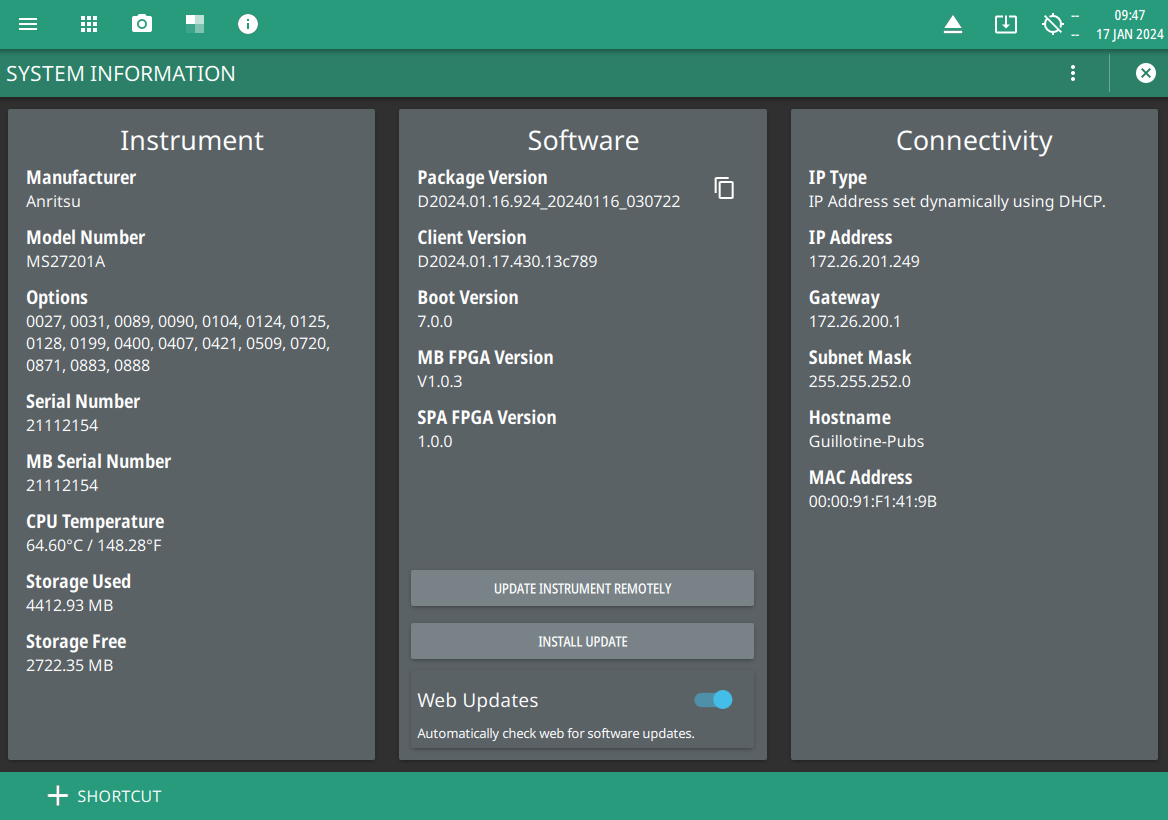
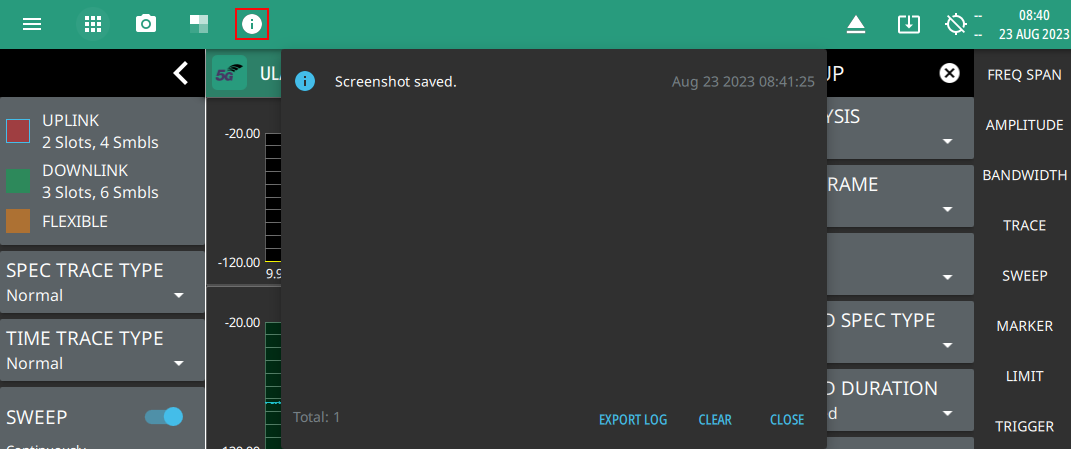
- 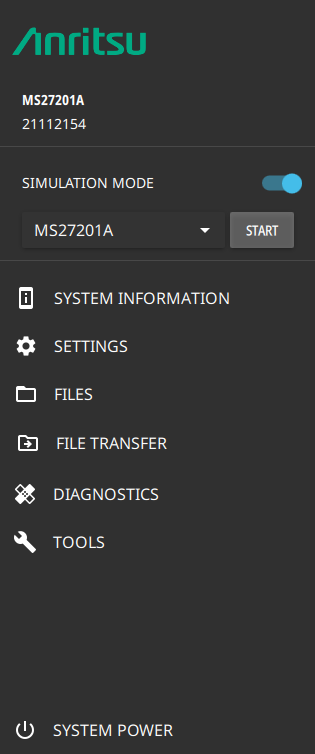 | The System menu identifies the instrument model and serial number. HOSTNAME/IP ADDRESS Displayed only on the MS27201A ARRT software. This field is used to specify the IP address or hostname of an instrument that is connected to the network. When SIMULATION MODE (localhost) is toggled on, the software will connect locally to provide some UI functionality. Toggle the simulation mode and select the product from the drop-down and click START button to get connected with local host. SYSTEM INFORMATION Opens the System Information panel showing instrument, software, and network connection details. Note that some of the system menus have limited functionality when the software is connected to the localhost. SETTINGS Opens the Settings Menu, providing access to all system level settings and controls. FILES Opens Files. Note that the file management menus are different from the right-side FILE menu. Use file management to organize, copy, and rename files. Use the right side FILE menu to save and recall measurement data, instrument setup files, or to save a screenshot. FILE TRANSFER Opens the File Transfer. DIAGNOSTICS Opens Diagnostics. TOOLS Opens Tools Menu. SYSTEM POWER Opens a dialog to RESTART or POWER OFF the instrument. |