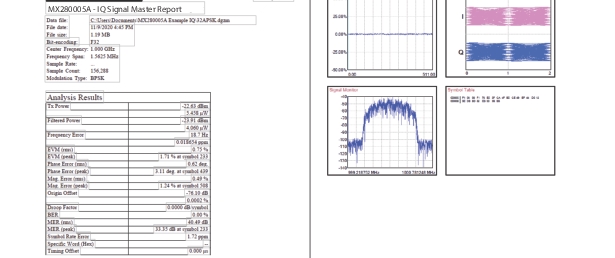
 | |
1. Tabular Data | 2. Graph Data |
| |
1. Tabular Data | 2. Graph Data |
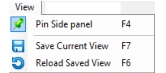 | Pin Side Panel Collapse the Parameter/IQ File Summary panel top expand the analyze window. Save Current View Save the current view. Reload Saved View Reload the current saved view. |
- 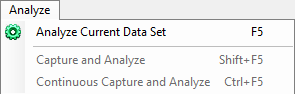 | Analyze Current Data Set Perform IQ data analysis. Performs same function as the Analyze button in the Modulation Parameters Tab. Capture and Analyze Press to capture and analyze a vector signal from an active analyzer. Capture needs to be preconfigured in the Capture Menu display screen as described in IQ Acquisition Parameters Settings. Continuous Capture and Analyze Performs a capture and analysis as described above, but runs continuously until stopped. |