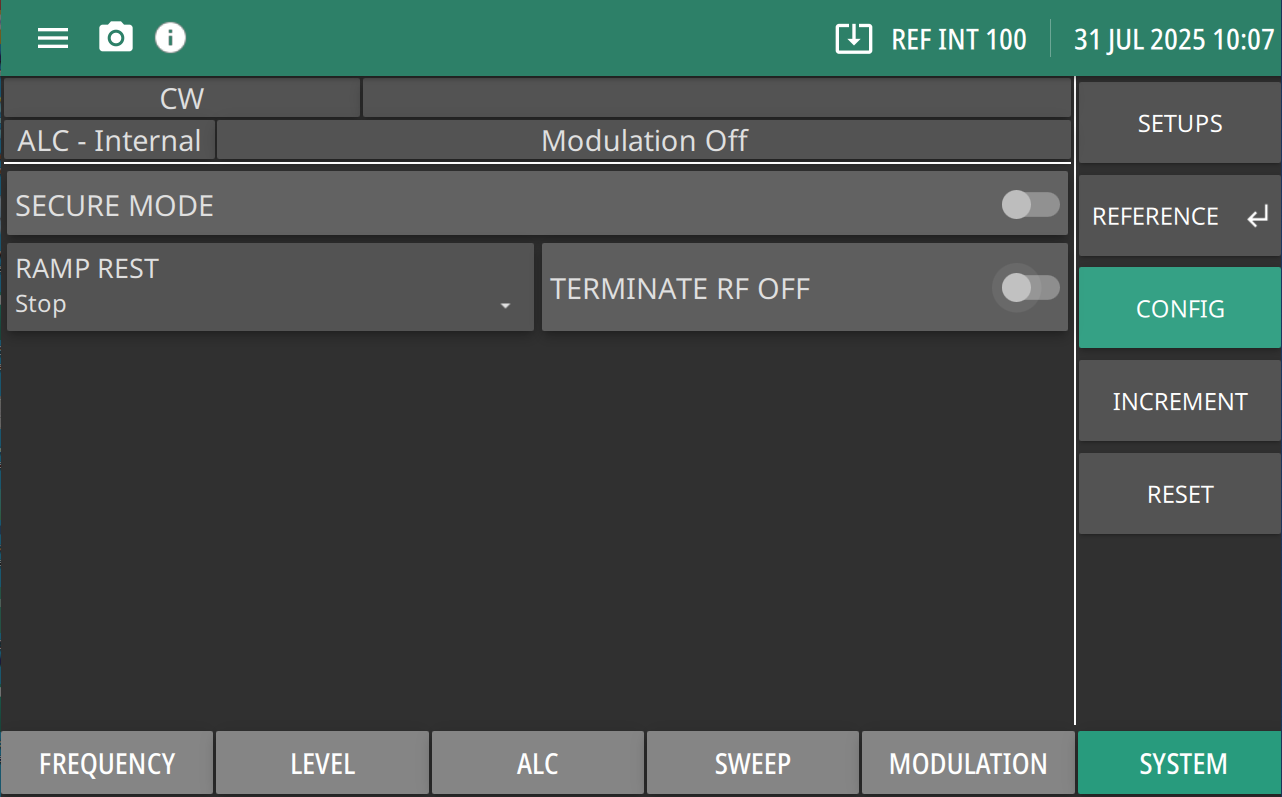
Turn Secure Mode on by sliding the toggle to the right.
RAMP REST
Sets the sweep rest point for the rear panel HORIZ OUT sweep ramp as follows: Start: Sets the sweep to rest at the bottom of the sweep ramp. Stop: Sets the sweep to rest at the top of the sweep ramp.
TERMINATE RF OFF
Turns on TERMINATE RF OFF when toggle is turned on.
Secure Mode
If the Secure Mode is turned on the frequency, power level, and modulation parameters in the front panel display are blanked. The instrument continues to function normally.
Switch Secure Mode Off by pressing RESET and click PRESET. Restores the front panel display of all frequency, power level, and modulation parameters. See RESET.
TERMINATE RF OFF
When the Terminate RF Off is disabled the instrument will behave as usual. The attenuator will not move from its current value.
When Terminate RF Off is enabled, Turning RF off will override the attenuator to apply 40 dB of attenuation, which will lower the output power of the instrument. This will mask any unintentional low-power output while RF is off.
When RF is re-enabled, regardless of if you enabled RF with the setting toggled, the attenuator will be restored to the user's configured setting, or the auto attenuation value if auto attenuation is enabled.